

Writing a rough promotional draft is often the easy part. Publishing it is where the friction starts. You read your caption, email promo, landing page blurb, or short sales script back to yourself and something feels off. The message is technically there, but it sounds wordy, flat, vague, or strangely awkward.
That moment is familiar for solo creators and small business owners who write their own marketing copy. You know what you mean, but the draft does not say it as clearly as you want. The good news is that you usually do not need to start over. A better approach is to use a short, repeatable editing workflow that turns a messy draft into cleaner, more publishable copy.
This process is especially useful for short-form promotional writing, where every sentence has to do a job. Whether you are editing a social caption, a launch email, an offer description, or a quick sales script, the goal is the same: make your message easier to understand and easier to act on.
Why rough promo drafts often feel harder to publish than to write
First drafts are usually built from momentum. You are trying to get the idea out before it disappears, so you write quickly. That speed is useful, but it often creates copy that reflects your thinking process rather than the reader’s experience.
In other words, the draft makes sense because you wrote it. It may not make sense instantly to someone seeing it for the first time.
Promotional copy tends to weaken when it includes too many ideas at once, relies on generic phrases, or obscures the point with unnecessary explanation. It can also lose impact when the tone sounds overly broad instead of tailored to the audience you actually want to reach.
A final editing pass helps you bridge that gap. Instead of asking, “Is this good?” ask, “Is this clear, specific, and easy to follow?” That question leads to better decisions.
What makes marketing copy feel weak, wordy, or awkward
Before jumping into the workflow, it helps to know what usually goes wrong. Weak promotional copy often has one or more of these problems:
- It asks the reader to do too many things at once.
- It uses filler phrases that add length but not meaning.
- It mentions the offer without explaining it simply.
- It sounds generic instead of speaking to a defined audience.
- It starts slowly and never creates momentum.
- It ends without a clear next step.
These are not signs that you are bad at writing. They are normal signs of an early draft. Editing is where the real shaping happens.
Step 1: Identify the one action the reader should take
Every short promotional message needs one primary purpose. If your draft is trying to educate, build trust, explain the offer, share a story, and sell all at once, the copy will usually feel scattered.
Start by asking one simple question: what should the reader do next?
Your answer might be:
- Click a link
- Reply to an email
- Book a call
- Watch a video
- Buy a product
- Learn more about an offer
Once you know the main action, remove anything that distracts from it. This does not mean your copy has to be aggressive or overly direct. It just means the message should guide the reader toward one logical next step.
If you are editing a caption, for example, the goal may simply be to get the reader to open the link in your bio. If you are polishing an email promo, the goal may be to get the click. If you are refining a landing page blurb, the goal may be to help the reader understand the offer fast enough to keep reading.
Clarity improves quickly when one action leads the draft.
Step 2: Cut filler words and vague phrasing
Many rough drafts become hard to publish because they contain too much soft language. Filler makes copy longer without making it clearer.
Look for phrases like:
- just wanted to
- kind of
- really
- very
- a lot of
- in order to
- the thing is
- I think
These words are not always wrong, but they often weaken a promotional message. Replace them with cleaner, more direct phrasing where possible.
Also, look for vague statements that sound nice but convey little. For example, “help you grow faster” is broad. “help you clean up rough promo copy before publishing” is clearer. Specific language gives the reader something concrete to understand.
Try this editing test: if a phrase can be removed without changing the meaning, cut it. If a sentence could say the same thing in fewer words, tighten it. This alone can make short-form copy sound more confident and readable.
Step 3: Make the offer easier to understand in one pass
One of the biggest reasons copy underperforms is that the reader cannot quickly tell what is being offered. You may know exactly what your service, product, or lead magnet does, but the draft may still describe it in a fuzzy or overcomplicated way.
Your job in the editing stage is to make the offer understandable on a first read.
Use a simple offer check
Review your draft and make sure it answers these basic questions:
- What is it?
- Who is it for?
- What problem does it help solve?
- What should the reader do next?
If one of those answers is missing, the message may feel incomplete. If all four are buried in long sentences, the message may feel heavy.
Short promotional copy does not need to explain everything. It does need to make the core idea easy to grasp. Often that means choosing simpler nouns, stronger verbs, and fewer layers of explanation.
Think less about sounding impressive and more about being immediately understandable.
Step 4: Tune tone for the audience instead of sounding generic
A lot of rough marketing copy sounds awkward because it is written in a neutral, catch-all voice. The result is technically acceptable, but emotionally flat. It does not feel like it was written for anyone in particular.
Before publishing, ask yourself who this message is for right now. A creator launching a digital product may need a different tone than a freelancer promoting a discovery call. A warm Instagram caption will usually sound different from a concise sales email.
Tone tuning does not mean inventing a brand voice from scratch. It means choosing language that matches the reader, the platform, and the context.
Questions to use when checking tone
- Would my audience naturally speak this way?
- Does this sound too formal for the platform?
- Does it sound too casual for the offer?
- Am I using broad marketing language instead of real language?
- Does the message feel helpful, clear, and believable?
If the draft sounds like generic internet marketing copy, soften it into something more human. If it sounds too hesitant, strengthen it with direct wording. The best tone is usually the one that feels natural, specific, and aligned with the reader’s expectations.
Step 5: Strengthen hooks, transitions, and closing lines
Even when the main message is solid, weak structure can make copy harder to follow. In short-form promotional writing, three parts matter a lot: the opening line, the transition into the main point, and the closing line.
Improve the hook
Your opening should create enough interest or relevance for the reader to continue. That does not require hype. It usually requires clarity.
Better hooks often do one of these things:
- Name a common problem
- Point to a desired outcome
- Introduce a useful contrast
- State the topic in a direct, relevant way
If your first line takes too long to get started, rewrite it so the value or tension appears earlier.
Clean up transitions
Rough drafts often jump between ideas because they were written quickly. During editing, check whether each sentence leads naturally to the next. Add a brief transition if the copy feels abrupt, or remove extra lines if the message wanders.
Good transitions help the reader move smoothly from problem to solution, from context to offer, or from interest to action.
Make the closing line useful
A weak ending often sounds passive or unfinished. Instead of trailing off, close by reinforcing the next step. Your final line might invite the click, highlight the purpose of the offer, or remind the reader why it matters.
The best closing lines feel like a logical continuation of the message, not a sudden hard sell.
Step 6: Run one final clarity check before posting or sending
Before you publish, do one last pass with a simple filter: can someone unfamiliar with your draft understand it quickly?
This is the moment to read your copy like a reader instead of a writer. Slow down and check for friction.
Use this final checklist
- Is the main action obvious?
- Have I cut unnecessary words?
- Is the offer easy to understand?
- Does the tone fit the audience and platform?
- Does the opening get to the point fast enough?
- Does the ending clearly guide the next step?
- Would I understand this easily if I had never seen it before?
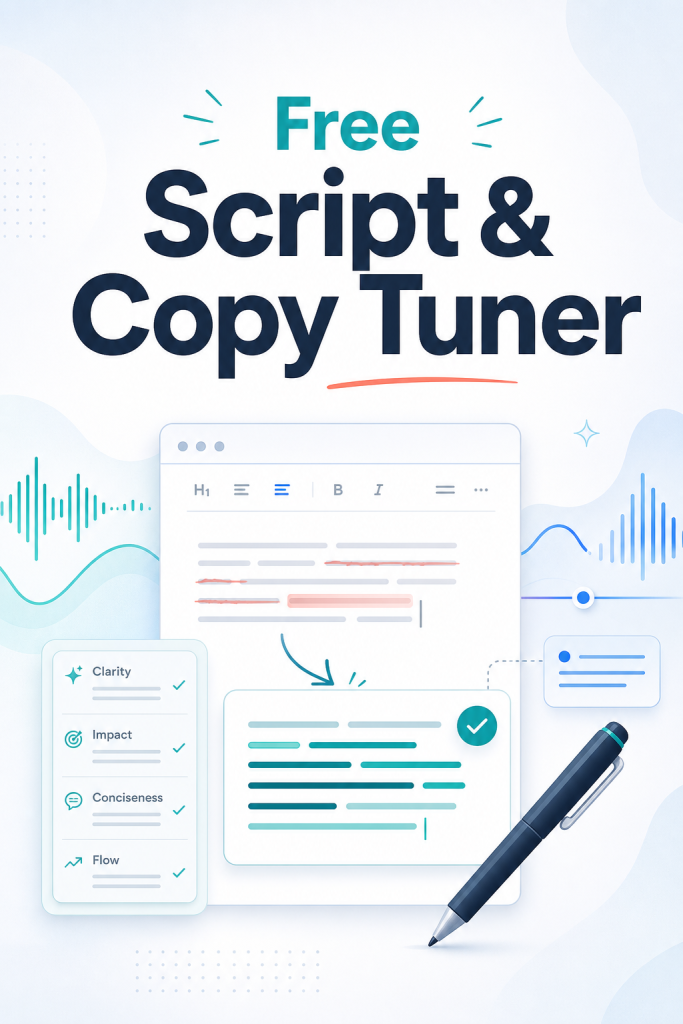
If you want a lightweight way to speed up that last stage, using a tool like the Free Script & Copy Tuner for refining rough scripts and promotional copy can fit naturally into your workflow. It is especially useful when your message is mostly written but still needs a cleaner, more persuasive final pass before publishing.
Where this editing workflow works best
This process is flexible because it is built around clarity rather than format. You can use it across many types of short-form marketing copy, including:
- Social media captions
- Email promotional drafts
- Landing page blurbs
- Offer descriptions
- Short sales scripts
- Video hooks and talking points
In each case, the goal is not to make the writing sound complicated or overly polished. It is to make it easier to understand, easier to trust, and easier to publish.
That matters even more when you are managing your own content. Solo business owners often lose time not because they cannot write, but because they keep circling the same rough draft without a system for finishing it.
Build a faster editing habit with a simple tuning step
Publishing gets easier when you stop treating editing as a vague judgment call and start using a repeatable process. You do not need to obsess over every sentence. You need a reliable final-pass workflow that helps you clarify the action, cut filler, simplify the offer, adjust the tone, strengthen the structure, and run a quick clarity check.
That kind of lightweight routine can save time, reduce second-guessing, and help you ship better promotional copy more consistently.
If you want a simple tool to support that last pre-publish pass, explore the Free Script & Copy Tuner and use it as your final tuning step before you post, send, or publish your next promo draft.


Discussion
Comments