
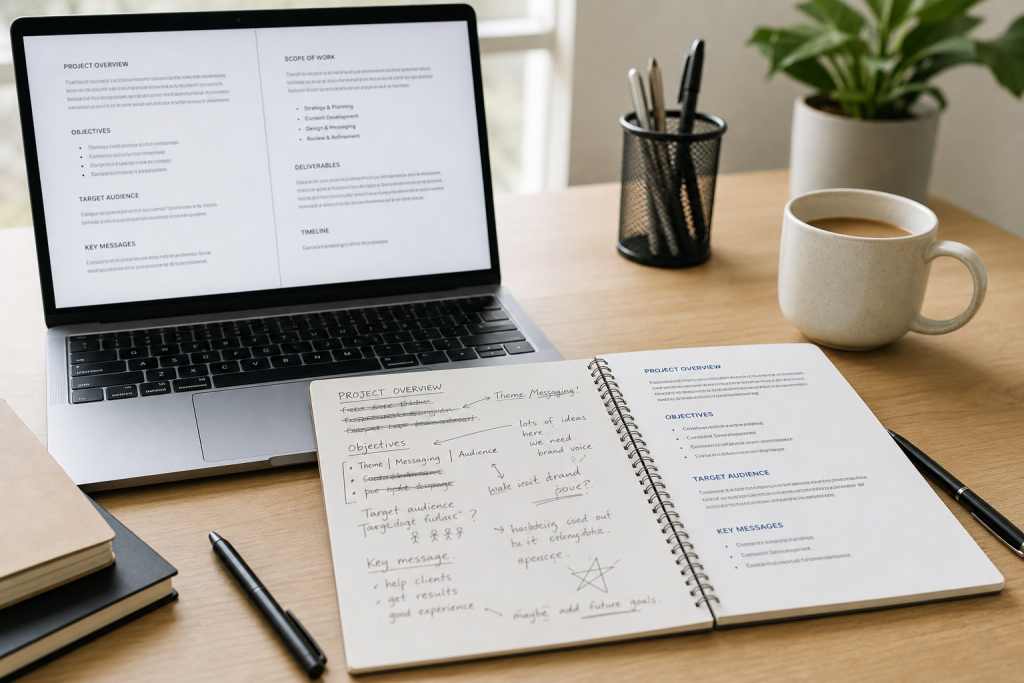
Messy business copy does more damage than most people realize. A rough client email can create confusion. A cluttered proposal can make a strong offer feel weaker than it is. An update full of repeated ideas, long blocks of text, and scattered points can slow down decisions and leave readers doing extra work.
That friction matters when you are running a small business, supporting clients, or managing multiple projects at once. People rarely say, “This message was too hard to read,” but they often respond slowly, ask avoidable follow-up questions, or overlook the key point entirely.
The good news is that most business writing problems do not require a deep rewrite. In many cases, what your draft needs is cleanup: tighter wording, clearer structure, better spacing, and a more readable presentation. If you have ever written quickly from notes, pasted together thoughts from different sources, or started with an AI-generated draft, this workflow can help you turn rough text into something more professional before you send or publish it.
Why messy business text creates friction
Business readers are usually busy. They scan first and read more carefully only if the message feels relevant and easy to follow. When your writing is disorganized, readers have to work harder to understand what you mean, what matters most, and what they are supposed to do next.
That can lead to problems such as:
- Misunderstood requests
- Delayed replies
- Missed action items
- Less confidence in your professionalism
- Weak response to otherwise solid offers or updates
Clear formatting does not replace strong thinking, but it helps strong thinking come through. Even short messages benefit when the reader can quickly identify the purpose, the main points, and the next step.
Common signs a draft needs cleanup before sending
Before editing line by line, look for bigger warning signs. A draft usually needs cleanup if it has any of the following:
- The main point does not appear until the middle or end
- Several sentences say nearly the same thing
- Long paragraphs make the message feel dense
- Ideas jump between topics without clear breaks
- The tone feels too casual, too stiff, or inconsistent
- The reader would have to hunt for dates, deliverables, or next steps
- The text looks copied from notes rather than prepared for a real audience
If you notice two or more of those issues, pause before sending. A few minutes of cleanup can save far more time later.
Step 1: Remove filler, repetition, and scattered thoughts
The first pass is not about perfection. It is about clearing away what gets in the reader’s path.
Cut filler phrases
Business drafts often collect extra wording that adds length without adding value. Phrases like “just wanted to reach out,” “in terms of,” “at this point in time,” or “I think that maybe” can usually be shortened or removed.
For example:
- “I just wanted to reach out and let you know” becomes “I wanted to let you know” or simply the message itself
- “At this point in time” becomes “now”
- “Due to the fact that” becomes “because”
Small cuts make writing sound more direct and more confident.
Remove repeated ideas
Rough drafts often repeat key points in slightly different words. That happens when you are thinking on the page, writing quickly, or trying to sound thorough. Keep the strongest version once and delete the rest.
If you mention the same benefit, deadline, concern, or request more than once, choose one clear statement. Repetition can make the message feel uncertain or padded.
Separate thought fragments from final copy
Sometimes a draft contains brainstorming language that should never reach the final version. You may have included reminders to yourself, half-finished examples, or sentences that helped you think but do not help the reader. Remove anything that belongs to your process rather than the final communication.
Step 2: Break ideas into readable sections
Once the excess is gone, focus on structure. Readers should be able to follow the message in a logical order without having to guess how one point connects to the next.
Group related ideas together.
Put similar information in the same section. For example, do not mix pricing context, scheduling details, and feedback requests in a single paragraph. Keep each topic in its own space.
A simple sequence often works well:
- Purpose of the message
- Important details
- What you need from the reader
- Next step or deadline
This basic order works for emails, proposals, status updates, and short marketing copy.
Use shorter paragraphs
Shorter paragraphs are easier to process, especially on phones and laptops. In most business writing, a paragraph of two to four sentences is easier to scan than a dense block of eight or ten.
That does not mean every sentence should stand alone. It means each paragraph should hold one main idea.
Add headings when the message is longer.
If your copy includes multiple sections, add simple headings to guide the reader. This is especially helpful for proposals, project summaries, onboarding notes, service descriptions, and internal updates.
Good headings are plain and useful. Examples include:
- Project Scope
- Timeline
- Deliverables
- Next Steps
- What We Need From You
You are not trying to impress anyone with clever labels. You are helping them find what matters fast.
Step 3: Make the message easier to scan
Many business readers will not read every sentence in order on the first pass. They scan for structure, keywords, and action points. Your formatting should support that behavior.
Use lists for important details.
Lists work well when you need to present:
- Deliverables
- Requirements
- Deadlines
- Benefits
- Options
- Steps in a process
Instead of burying those items inside a paragraph, break them out. This reduces the chance that a reader misses something important.
Lead with the point
In business writing, the main message often belongs near the top. If you are asking for approval, sharing an update, or presenting a recommendation, say that early. Context can follow, but the reader should not have to dig for the reason the message exists.
For example, instead of building slowly toward a request, try stating it clearly in the opening paragraph and then supporting it with the details below.
Highlight action and timing clearly.
Readers should be able to identify what needs to happen and by when. If your draft includes a date, meeting time, approval request, or dependency, make it easy to spot.
Ask yourself:
- What action do I want?
- Who is responsible?
- When does it need to happen?
If those answers are buried, your cleanup is not finished yet.
Step 4: Check tone for client, team, or customer context
Good business copy is not only clear. It is also appropriate to the relationship and situation. A polished draft should sound like it belongs in the context where it will be read.
For client-facing communication
Client messages usually work best when they are clear, calm, and respectful. Avoid sounding rushed, defensive, or overly casual unless you have that kind of relationship already.
Look for places where the tone may create unnecessary friction, such as:
- Too many exclamation points
- Vague promises
- Passive wording around responsibility
- Unclear boundaries or next steps
You want the reader to feel informed and confident.
For team updates
Internal communication can often be more direct, but it still needs structure. Team messages should reduce confusion, not create more. Make priorities, blockers, and ownership obvious.
For customer-facing marketing copy
Short marketing copy should be simple and readable. If it sounds stuffed with buzzwords or too many claims, tighten it. Readers should quickly understand what you offer, who it is for, and why it matters.
Strong tone usually sounds human, specific, and controlled rather than inflated.
Step 5: Run a final formatting pass before publishing or sending
After you have cleaned the wording, structure, and tone, do one final pass focused only on presentation. This step is where a lightweight cleanup tool can save time, especially if you regularly work with rough notes, pasted text, or AI-assisted drafts.
A practical option is the Free Business Text Formatter for cleaning up business copy. Based on the available product information, it is a web-based utility designed to help make business text cleaner, more organized, and easier to present in professional contexts. That makes it a useful last-step helper when your draft is mostly written but still needs a more polished layout.
This kind of formatting pass is especially helpful when you want to:
- Tidy rough emails before sending
- Organize proposal text into a cleaner presentation
- Improve readability in short marketing copy
- Clean up AI-generated drafts before publishing
- Create more consistent presentation across routine business messages
Even if your wording is solid, poor spacing and cluttered structure can still make a draft feel unfinished. A final cleanup step helps your message look as professional as it sounds.
Examples of business copy that benefits from cleanup
This workflow is useful across many everyday writing tasks. Here are a few common examples.
Emails
Client emails often become messy when people write quickly, respond from mobile devices, or answer multiple questions at once. Cleaning them up improves clarity and reduces follow-up.
Proposals and service summaries
These documents need clear sections, logical sequencing, and easy-to-scan deliverables. Even a strong offer can feel weaker if the copy looks rushed or disorganized.
Status updates and project notes
Updates should help readers understand progress, blockers, and next actions at a glance. Structure matters as much as the information itself.
Short marketing copy
Landing page snippets, social captions, service descriptions, and promotional blurbs benefit from concise language and cleaner formatting. Readers should not need to decode the message.
AI-generated drafts
AI can give you a fast starting point, but many drafts still need cleanup. They may be repetitive, generic, or poorly structured. A formatting-focused pass helps make them more usable before a human review.
A simple, repeatable checklist for future drafts
If you want a faster routine, use this short checklist before you send business text:
- Is the main point clear near the top?
- Did I remove filler and repeated ideas?
- Are related points grouped together?
- Did I break long text into shorter paragraphs or lists?
- Can the reader quickly find actions, dates, and next steps?
- Does the tone fit the audience?
- Did I do a final formatting pass for readability?
You do not need to overedit every message. The goal is not literary perfection. The goal is clear, professional communication that respects the reader’s time and supports the result you want.
Final takeaway
Messy business copy usually does not need a complete rewrite. More often, it needs a straightforward cleanup process: cut the clutter, group the ideas, improve scanability, check the tone, and give the text a final formatting pass.
That small habit can improve client communication, strengthen proposals, and make your everyday writing feel more professional with less effort. If you want a simple last-step helper for routine polish, take a look at the Free Business Text Formatter and use it as a lightweight cleanup step before you send or publish your next draft.



Discussion
Comments